745
Sprunki Shifted Boxduds Take Phase 3
Sprunki Melody Attack
River Drift
Sprunki - You Found Sprunk Media
Sprunki The Definitive Phase 10

Heal Injured Sprunkies
Sprunki Gray's Dreams
Sprunki Betters And Loses Phase 4
Parking Adventure
Neon Rush
Sprunki Phase 5 Definitive
Sprunki Looping the Rooms
Sprunki Adventure 3
Splunko Drip
Sprunki Shifted Lyra’s Take
Sprunki

Sprunki Phase 5

Sprunki Phase 4
Sprunki Retake
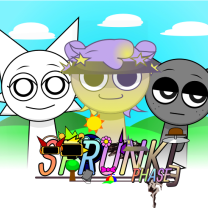
Sprunki Phase 3
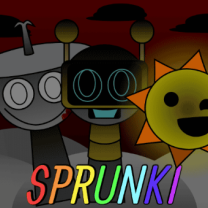
Sprunki Wenda Treatment
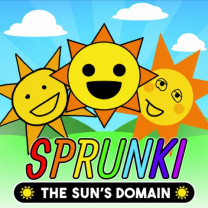
Sprunki The Suns Domain
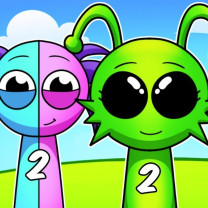
Sprunki 2

Sprunki Phase 9
Sprunki Double Date
Sprunki OC Real
Sprunki Phase 6

Sprunki Phase 1
Sprunked

Sprunki Mustard
Sprunki Run Mix
Sprunki Phase 8
Poppy Playtime Chapter 5

Sprunki 2026
Sprunki Phase 2
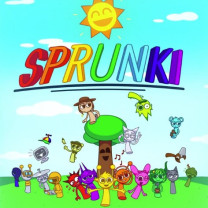
Sprunki OC V3

Sprunki OC Maker

Sprunki 1996
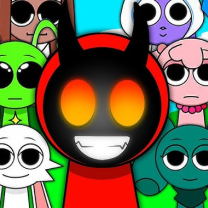
Sprunki Phase 10
Sprunki Playground Mod is a fun online crazy sandbox game where ragdoll physics, musical action, and creative destruction are combined. Players can build weird arenas, place interactive objects, create wacky Sprunki characters and watch hilarious battles unfold right before their eyes.
This is no traditional action game with hard missions and goals. This game is all about the creativity of the player. Create explosive situations, musical fight scenes or weird experiments with different tools and weapons. The physics system reacts to every motion, explosion, and collision, making every session feel different.
The game runs directly in a web browser, so there is no need for downloads or installation.
The main gameplay revolves around experimentation and sandbox freedom. Players begin by selecting objects, characters, and props from the game menu. Sprunki characters can then be placed anywhere inside the arena.
Once the stage is ready, players can add weapons, traps, explosives, or environmental hazards to create chaotic interactions. Characters react with ragdoll physics, causing funny movements, dramatic crashes, and unpredictable chain reactions.
One of the most entertaining parts of the game is its musical theme. Some Sprunki characters sing, react to sound, or create rhythmic chaos during battles. This gives the game a unique style compared to regular sandbox simulators.
Players can continuously reset arenas, redesign levels, and test new combinations without restrictions.
The controls are simple, making the game easy for beginners while still offering plenty of creative possibilities for advanced players.